
Baby Shower Invitation Templates
82 designs, free to send. Pick one, add the date and place, and share a single link — guests tap once to RSVP and every yes lands on your calendar.
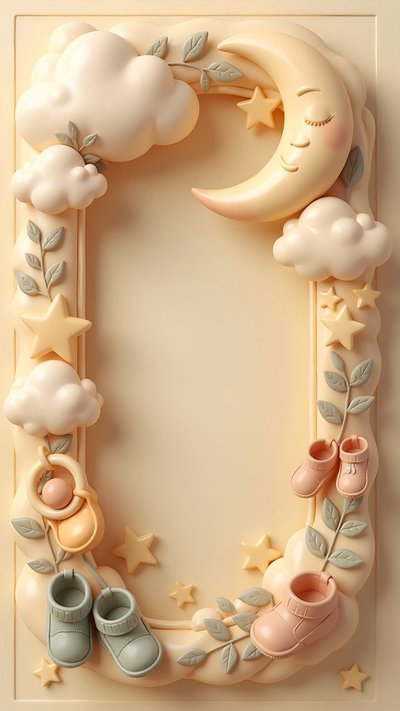 Use this free
  Use this free
 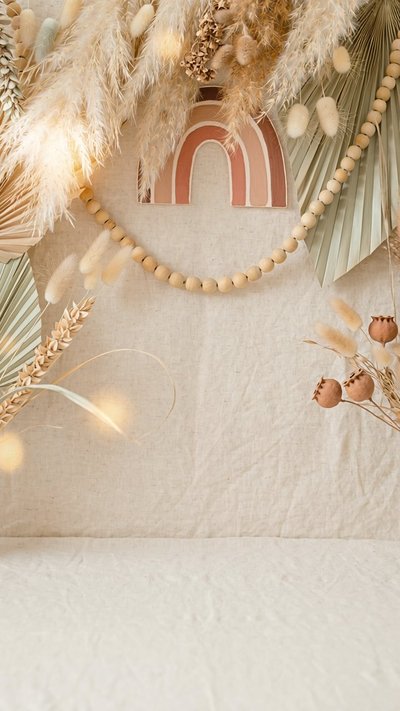 Use this free
  Use this free
  Use this free
 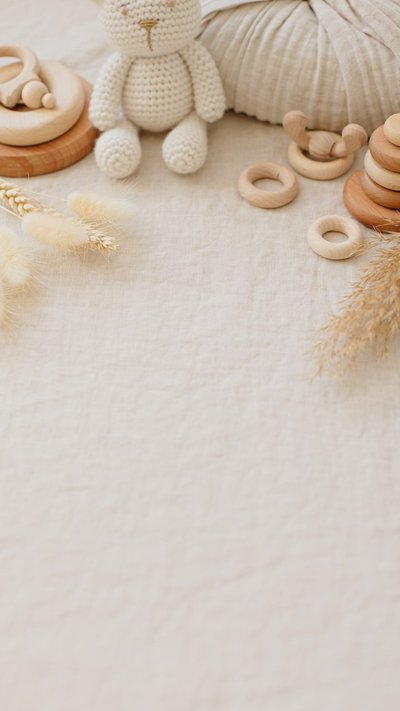 Use this free
 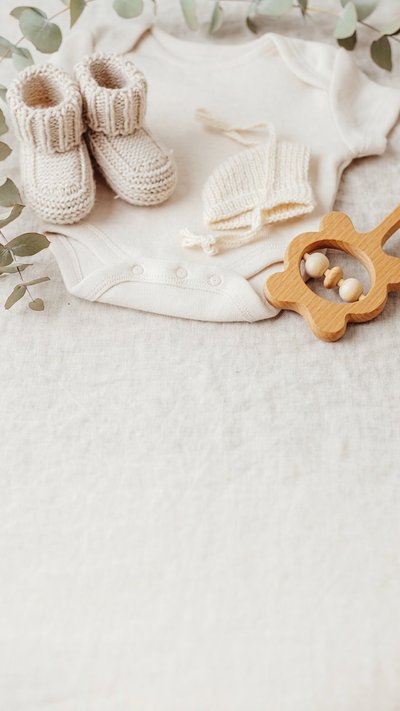 Use this free
  Use this free
  Use this free
  Use this free
  Use this free
  Use this free
  Use this free
  Use this free
  Use this free
  Use this free
  Use this free
  Use this free
  Use this free
  Use this free
  Use this free
  Use this free
  Use this free
  Use this free
 Free to send
Send your first invitation in two minutes.
Pick a design, add your details, share one link. Guests RSVP in a tap — no app, no sign-up for them — and every reply lands on your family calendar automatically.
- Free to send. Unlimited invitations. No per-invite charge, no watermark.
- No ads, anywhere. Not on the design, not on the page your guests open.
- Full screen on their phone. Edge to edge — no borders, no letterbox bars.
 Use this free
  Use this free
  Use this free
  Use this free
  Use this free
  Use this free
  Use this free
  Use this free
  Use this free
  Use this free
  Use this free
  Use this free
  Use this free
  Use this free
  Use this free
  Use this free
  Use this free
  Use this free
  Use this free
  Use this free
  Use this free
  Use this free
  Use this free
  Use this free
  Use this free
  Use this free
  Use this free
  Use this free
  Use this free
  Use this free
  Use this free
  Use this free
  Use this free
  Use this free
  Use this free
  Use this free
  Use this free
  Use this free
  Use this free
  Use this free
  Use this free
  Use this free
  Use this free
  Use this free
  Use this free
  Use this free
  Use this free
  Use this free
  Use this free
  Use this free
  Use this free
  Use this free
  Use this free
  Use this free
  Use this free
  Use this free
  Use this free
  Use this free
 How to write a baby shower invitation
A shower is usually planned by someone other than the guest of honour, which makes the invitation do extra work: it has to set the tone, handle the gift question gracefully, and tell people whether this is a surprise.
What to include
Beyond the usual when and where, three things save the host a dozen messages.
- Who it is for, and who is hosting. Guests need to know whose shower it is and who to reply to — they are often not the same person.
- Whether it is a surprise. Put it in capitals if it is. One well-meaning guest can undo weeks of planning.
- The gift question. A registry link, a theme like “books instead of cards”, or a plain “your presence is the present”. Saying nothing leaves everyone guessing.
- Food and timing. “Brunch”, “afternoon tea and cake” or “nibbles” tells guests whether to eat first.
- A reply deadline, so catering and favours can be counted.
When to hold it, and when to send
Timing is kinder to the guest of honour than most people realise.
- Hold it in the seventh or eighth month — comfortable enough to enjoy, early enough to be safe.
- Send four to six weeks ahead. Showers are usually weekend daytime events, which fill up fast.
- Reply deadline about ten days before, so you can confirm numbers and finish the favours.
Wording you can borrow
Warm and short. Let the design carry the sentiment.
A baby shower for Priya Join us for brunch, cake and a little fussing over tiny clothes. Sunday, September 6 · 11am–2pm 48 Meadow Lane RSVP to Anita by August 28
SHHH — it's a surprise! A baby shower for Hannah. Saturday, August 22 · 2–5pm Willow & Sage Tearoom Please arrive by 1:45pm · RSVP to Meera
Welcoming Baby Chen No games, no fuss — just good food and good company. Sunday, October 4 · 12–3pm 12 Bloom Lane Books instead of cards, if you like
Counting heads without the group chat
Showers live or die on numbers — catering, seats, favours. Sending the invitation as a link means every guest taps once to reply, you see the running count at a glance, and the guest of honour never accidentally reads a thread they were not meant to see.
Questions people actually ask
- Are these really free?
- Yes — every design is free to send on Calla's free plan, and there's no watermark on what your guests see.
- Do you show ads on the invitations?
- No — never, anywhere. No ads on the design, none on the page your guests open, and no third-party ad or tracking script on the RSVP page. Calla is paid for by Premium subscriptions, not by advertising to your guests.
- What does the invitation look like on a phone?
- Full screen, edge to edge. Your guest taps the link and the design fills their whole phone — no borders, no letterbox bars, no small card floating in a web page.
- Do my guests need the app?
- No. They tap your link, see the invitation and RSVP. No download, no account, nothing to install.
- How do I track who's coming?
- Every RSVP lands in the app as it arrives, and the event goes on your family calendar automatically.
- Can I print these?
- Calla invitations are made to be sent as a link — that's how RSVPs get collected and counted for you.
Send your first invitation in two minutes.
On iOS and Android.