
Wedding Invitation Templates
124 designs, free to send. From destination and modern-editorial to South Indian, Bengali, Nikah, Vietnamese, Korean and interfaith — send a link, collect RSVPs in seconds, and watch every reply come in live.
 Use this free
  Use this free
  Use this free
  Use this free
  Use this free
  Use this free
  Use this free
  Use this free
  Use this free
  Use this free
  Use this free
  Use this free
  Use this free
  Use this free
  Use this free
  Use this free
  Use this free
  Use this free
  Use this free
  Use this free
  Use this free
  Use this free
  Use this free
  Use this free
 Free to send
Send your first invitation in two minutes.
Pick a design, add your details, share one link. Guests RSVP in a tap — no app, no sign-up for them — you get a notification for every reply, and the party goes on your family calendar.
- Free to send. Unlimited invitations. No per-invite charge, no watermark.
- No ads, anywhere. Not on the design, not on the page your guests open.
- Full screen on their phone. Edge to edge — no borders, no letterbox bars.
 Use this free
  Use this free
  Use this free
  Use this free
  Use this free
  Use this free
  Use this free
  Use this free
  Use this free
  Use this free
  Use this free
  Use this free
  Use this free
  Use this free
  Use this free
  Use this free
  Use this free
  Use this free
  Use this free
  Use this free
  Use this free
  Use this free
  Use this free
  Use this free
  Use this free
 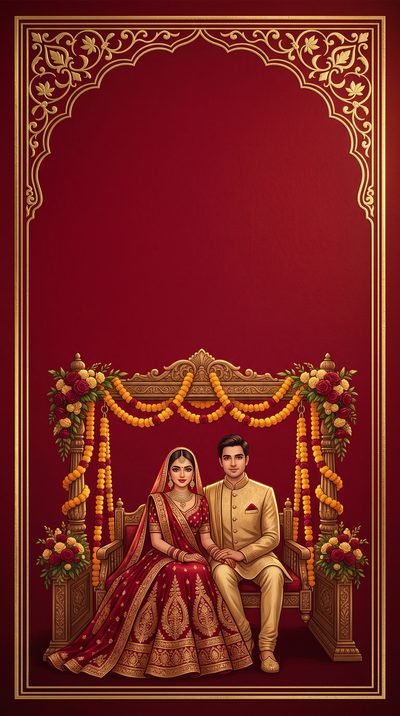 Use this free
 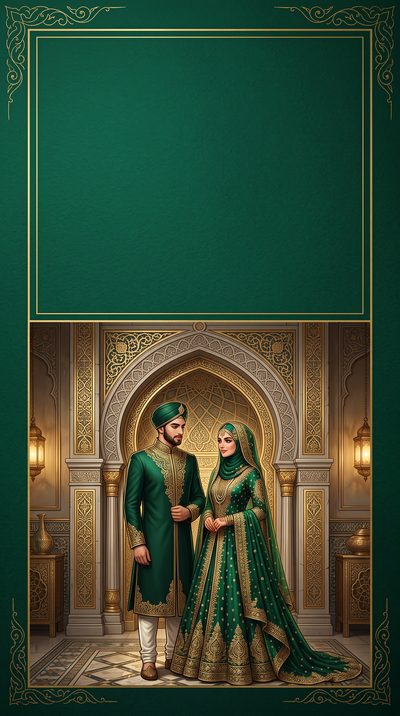 Use this free
  Use this free
  Use this free
  Use this free
  Use this free
  Use this free
  Use this free
  Use this free
  Use this free
  Use this free
  Use this free
  Use this free
  Use this free
  Use this free
  Use this free
  Use this free
  Use this free
  Use this free
  Use this free
  Use this free
  Use this free
  Use this free
  Use this free
  Use this free
  Use this free
  Use this free
  Use this free
  Use this free
  Use this free
  Use this free
  Use this free
  Use this free
  Use this free
  Use this free
  Use this free
  Use this free
  Use this free
  Use this free
  Use this free
  Use this free
  Use this free
  Use this free
  Use this free
  Use this free
  Use this free
  Use this free
  Use this free
  Use this free
  Use this free
  Use this free
 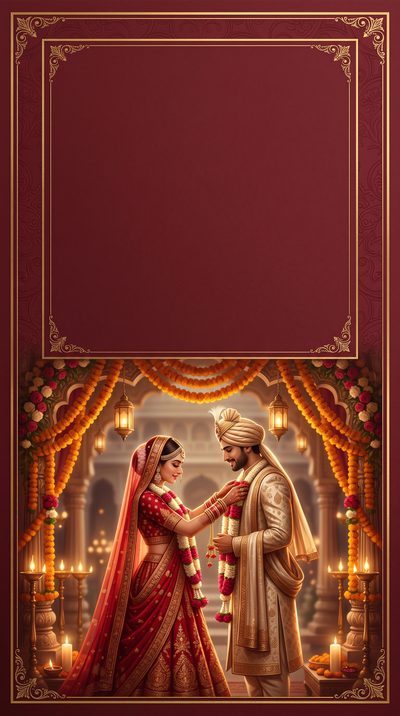 Use this free
 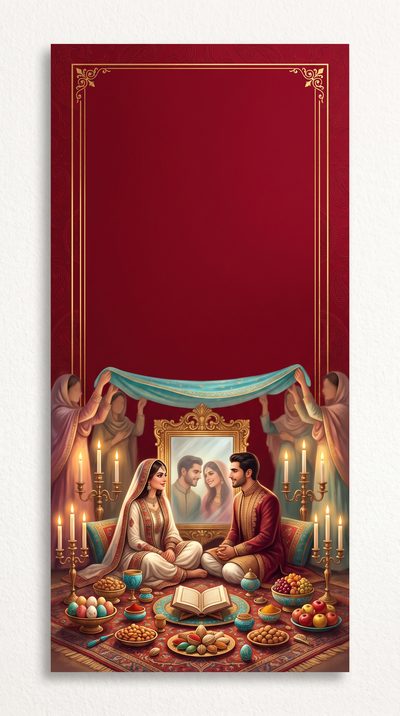 Use this free
  Use this free
 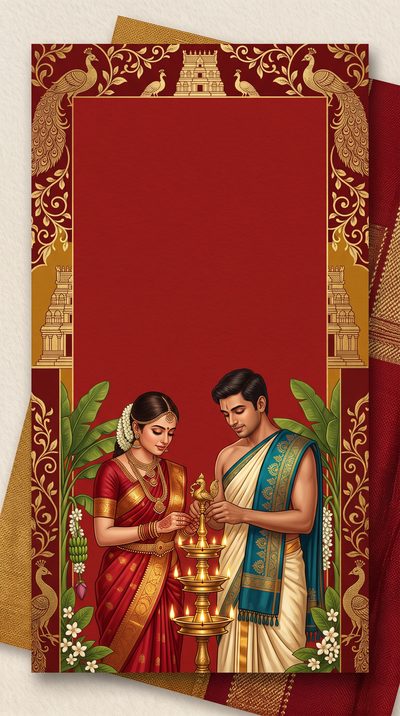 Use this free
  Use this free
 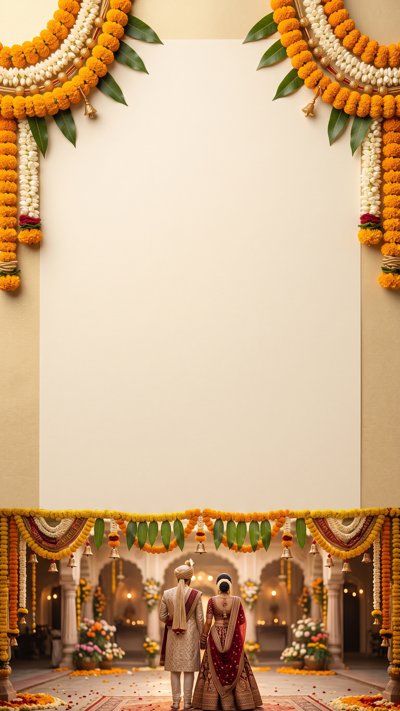 Use this free
  Use this free
  Use this free
  Use this free
  Use this free
  Use this free
  Use this free
  Use this free
  Use this free
  Use this free
  Use this free
  Use this free
  Use this free
  Use this free
  Use this free
  Use this free
  Use this free
  Use this free
  Use this free
 How to write a wedding invitation
A wedding invitation carries more than a date — it sets the tone, tells guests how to dress and where to be for each event, and increasingly does all of that as a single link rather than a printed suite. Whether it is one ceremony or a week of them, the goal is the same: everyone arrives at the right place, at the right time, knowing what to expect.
What to include
The details that spare your guests from guessing — or texting to ask.
- Both names, in the order you want them read, and the hosts if the families are inviting.
- The date, start time and venue in full — with a separate line for each event if there is more than one (mehndi, ceremony, reception).
- Dress code, even a word — “festive”, “black tie”, “traditional” — so no one is over- or under-dressed.
- An RSVP method with a deadline, and a way to note meal choice or dietary needs.
- Anything cultural guests should know — timing around a muhurat, whether shoes come off, where to sit.
Multi-event weddings
Many weddings are not one event but several across a few days. Rather than a stack of cards, send one invitation link per event, so each gets its own replies and headcount — who is coming to the mehndi, who to the ceremony, who to the reception.
- Give each invitation its own time and place, and share each link only with the guests invited to that event.
- Order them as they happen, so the week reads like an itinerary.
- Each link collects its own replies, so catering and seating for each event is a real number, not a guess.
When to send
Weddings need more notice than almost any other occasion, especially when guests travel.
- Save the date: six to eight months ahead, more for a destination wedding.
- The full invitation: six to eight weeks before the day.
- Ask for replies about three weeks out, so the final count reaches the caterer and venue in time.
Wording you can borrow
Warm and clear reads better than formal and vague — say who, when and where without making anyone decode it.
Together with their families, Priya and Arjun invite you to celebrate their marriage. Saturday, September 12 · 4pm The Rose Garden, 24 Maple Ave Reception to follow · RSVP by August 22
We're getting married — and we'd love you there for all of it. Mehndi · Fri Sep 11, 6pm · at home Ceremony · Sat Sep 12, 10am · Sri Venkateswara Temple Reception · Sat Sep 12, 7pm · Lakeside Hall Tap each event to let us know you're coming
Aisha & Omar are tying the knot. Saturday, September 12 Nikah at 5pm, dinner to follow The Conservatory · RSVP by August 20
Counting guests without the chase
A wedding headcount usually arrives in fragments — a few texts, a spreadsheet, a relative relaying replies. A link invitation gathers every yes in one place, updates as people reply, and gives you a running total per event, so seating and catering rest on a real number instead of a best guess.
Questions people actually ask
- Are these really free?
- Yes — every design is free to send on Calla's free plan, and there's no watermark on what your guests see.
- Do you show ads on the invitations?
- No — never, anywhere. No ads on the design, none on the page your guests open, and no third-party ad or tracking script on the RSVP page. Calla is paid for by Premium subscriptions, not by advertising to your guests.
- What does the invitation look like on a phone?
- Full screen, edge to edge. Your guest taps the link and the design fills their whole phone — no borders, no letterbox bars, no small card floating in a web page.
- Do my guests need the app?
- No. They tap your link, see the invitation and RSVP. No download, no account, nothing to install.
- How do I track who's coming?
- Every RSVP lands in the app as it arrives, and the event goes on your family calendar automatically.
- Can I print these?
- Calla invitations are made to be sent as a link — that's how RSVPs get collected and counted for you.
Send your first invitation in two minutes.
On iOS and Android.