
BBQ & Cookout Invitation Templates
67 designs, free to send. For backyard cookouts and long summer afternoons. Share a link, see who's coming, done.
 Use this free
  Use this free
  Use this free
  Use this free
  Use this free
  Use this free
  Use this free
  Use this free
  Use this free
  Use this free
  Use this free
  Use this free
 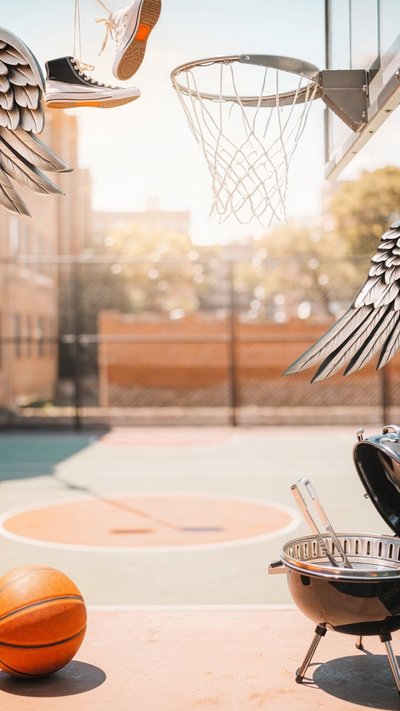 Use this free
 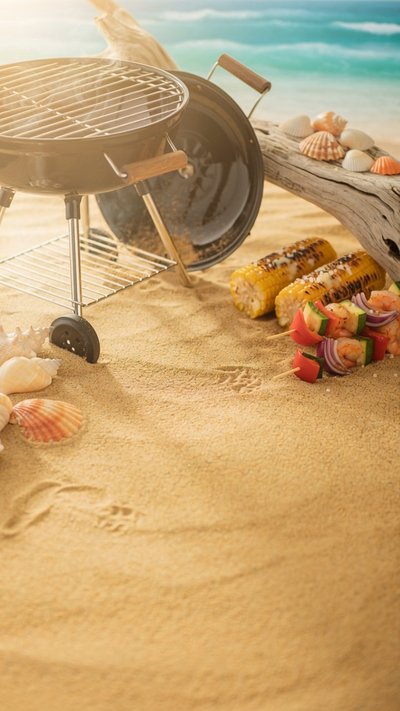 Use this free
 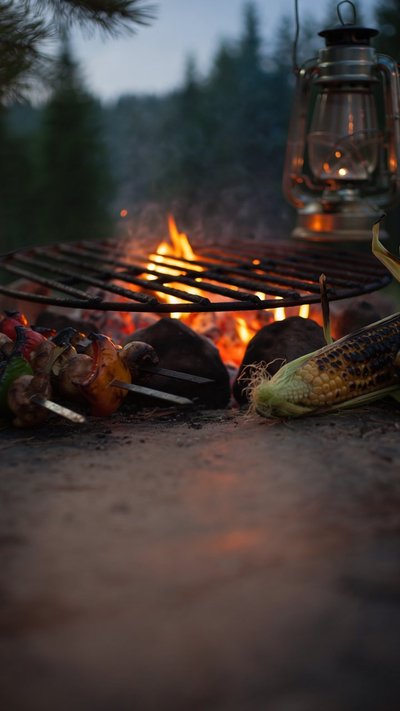 Use this free
 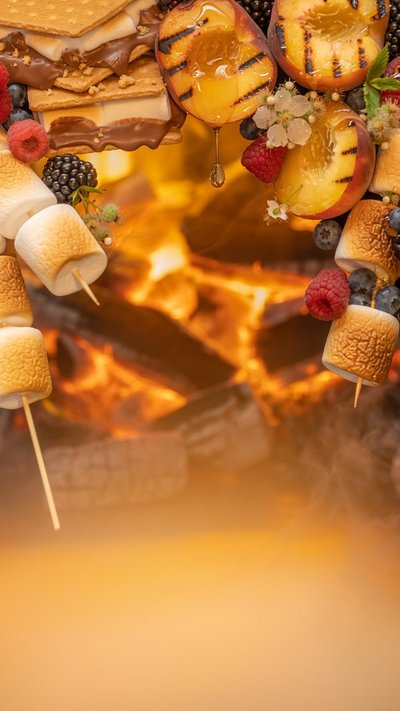 Use this free
  Use this free
  Use this free
  Use this free
  Use this free
  Use this free
  Use this free
  Use this free
  Use this free
 Free to send
Send your first invitation in two minutes.
Pick a design, add your details, share one link. Guests RSVP in a tap — no app, no sign-up for them — and every reply lands on your family calendar automatically.
- Free to send. Unlimited invitations. No per-invite charge, no watermark.
- No ads, anywhere. Not on the design, not on the page your guests open.
- Full screen on their phone. Edge to edge — no borders, no letterbox bars.
 Use this free
  Use this free
  Use this free
  Use this free
  Use this free
  Use this free
  Use this free
  Use this free
  Use this free
  Use this free
  Use this free
  Use this free
  Use this free
  Use this free
  Use this free
  Use this free
  Use this free
  Use this free
  Use this free
  Use this free
  Use this free
  Use this free
  Use this free
  Use this free
  Use this free
  Use this free
  Use this free
  Use this free
  Use this free
  Use this free
  Use this free
  Use this free
  Use this free
  Use this free
  Use this free
  Use this free
  Use this free
  Use this free
  Use this free
  Use this free
  Use this free
 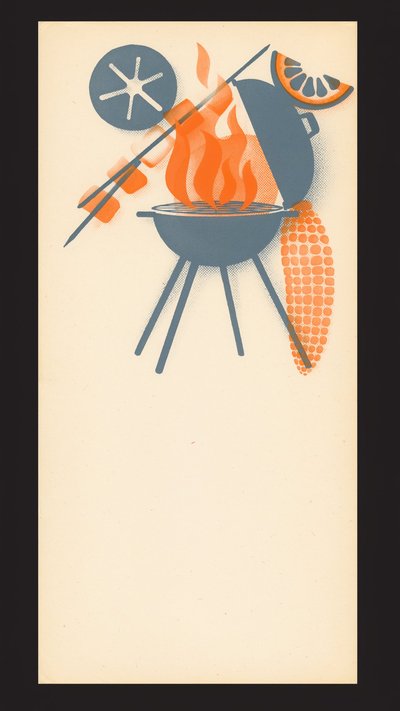 Use this free
 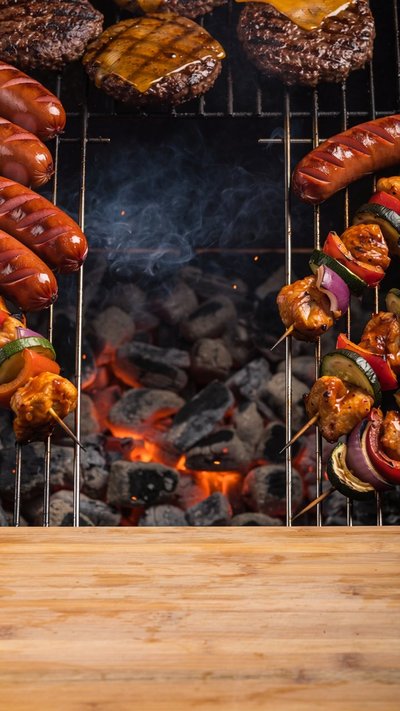 Use this free
 How to write a BBQ invitation
A barbecue is the most casual invitation you will send, and the one most likely to be derailed by weather and by everyone bringing potato salad.
What to include
Five lines will do it, but these five matter.
- What you are cooking, roughly, and what guests should bring — or that they should bring nothing. “We've got the meat, bring a drink” prevents six identical salads.
- Dietary options. Saying “veggie options sorted” up front means nobody has to send an awkward message.
- A start time and a rough end. Barbecues drift; an end time helps guests with children.
- The weather plan. “Rain or shine — we have a gazebo” saves you fielding anxious texts all morning.
- Whether children and dogs are welcome, since gardens invite the question.
When to send
Summer weekends book up early, so a bit of notice goes a long way.
- Two weeks ahead for a weekend barbecue.
- Three to four weeks for a long weekend or holiday, when everyone is making plans.
- Ask for replies three or four days before, so you know how much to buy.
- Send a short weather note the day before if the forecast turns — people appreciate the certainty.
Wording you can borrow
Keep it light. Nobody needs formality for a garden.
BBQ at ours! Saturday, August 22 · from 1pm 48 Meadow Lane We've got the grill and the meat — bring a drink and a chair. Veggie options sorted · Kids and dogs welcome
Summer cookout — come hungry. Sunday, September 6 · 12–5pm 12 Bloom Lane We're doing the grill; bring a side or a pudding if you fancy. Rain or shine — the gazebo is up.
Burgers, garden, good company. Friday, October 10 · 5pm till late 48 Meadow Lane Bring a jumper for when it cools · RSVP by Wednesday
Knowing how much meat to buy
Barbecue numbers are notoriously vague, and “probably” is not a useful quantity at the butcher. A link invitation gives you a tap-to-reply count, so you can shop once and stop wondering whether fifteen or twenty-five people are coming.
Questions people actually ask
- Are these really free?
- Yes — every design is free to send on Calla's free plan, and there's no watermark on what your guests see.
- Do you show ads on the invitations?
- No — never, anywhere. No ads on the design, none on the page your guests open, and no third-party ad or tracking script on the RSVP page. Calla is paid for by Premium subscriptions, not by advertising to your guests.
- What does the invitation look like on a phone?
- Full screen, edge to edge. Your guest taps the link and the design fills their whole phone — no borders, no letterbox bars, no small card floating in a web page.
- Do my guests need the app?
- No. They tap your link, see the invitation and RSVP. No download, no account, nothing to install.
- How do I track who's coming?
- Every RSVP lands in the app as it arrives, and the event goes on your family calendar automatically.
- Can I print these?
- Calla invitations are made to be sent as a link — that's how RSVPs get collected and counted for you.
Send your first invitation in two minutes.
On iOS and Android.