
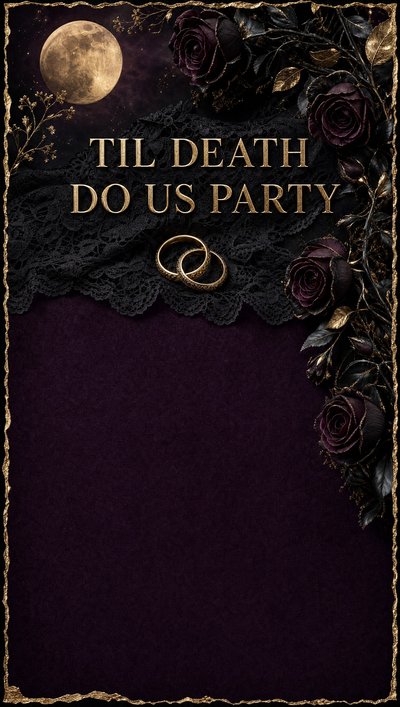
Halloween Party Invitation Templates
36 designs, free to send. For trick-or-treat parties, costume nights and spooky birthdays.
 Use this free
  Use this free
  Use this free
  Use this free
 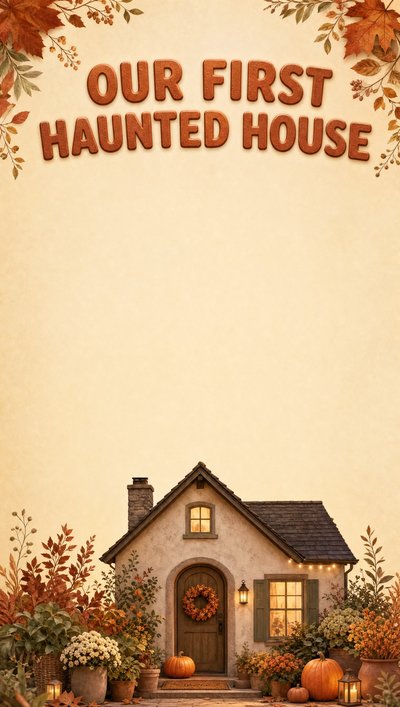 Use this free
  Use this free
  Use this free
  Use this free
  Use this free
 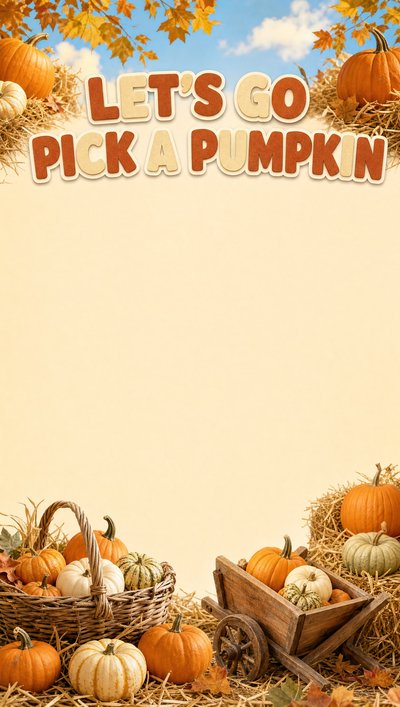 Use this free
  Use this free
  Use this free
 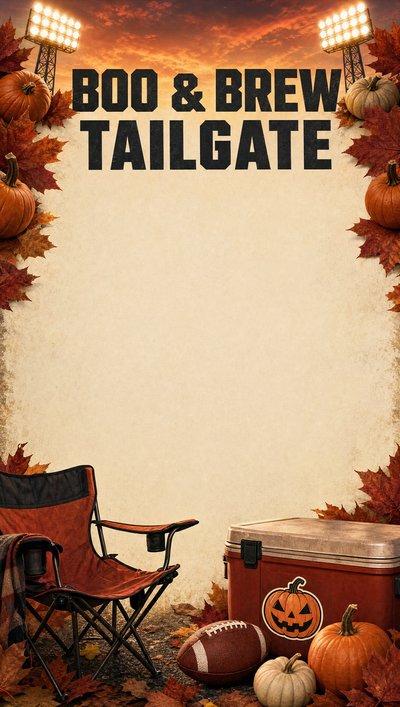 Use this free
  Use this free
 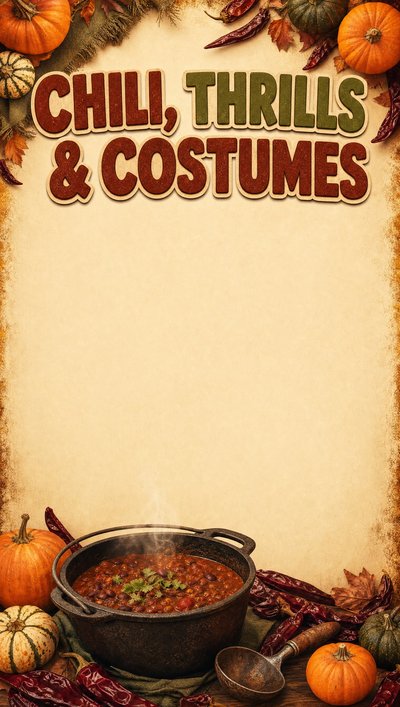 Use this free
  Use this free
 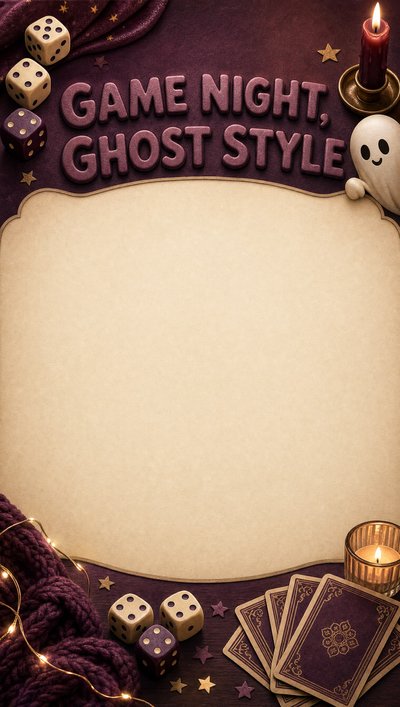 Use this free
  Use this free
  Use this free
 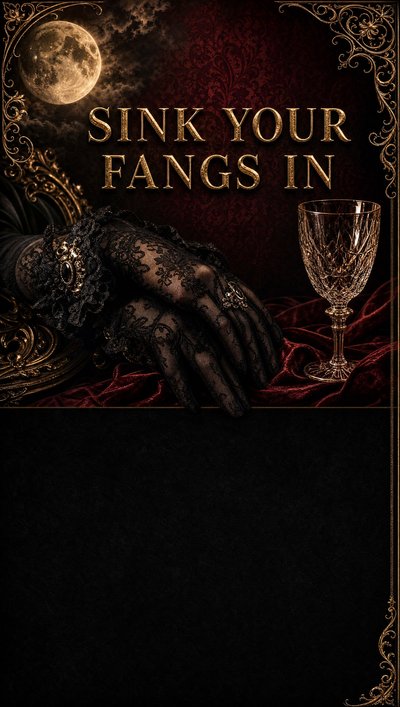 Use this free
 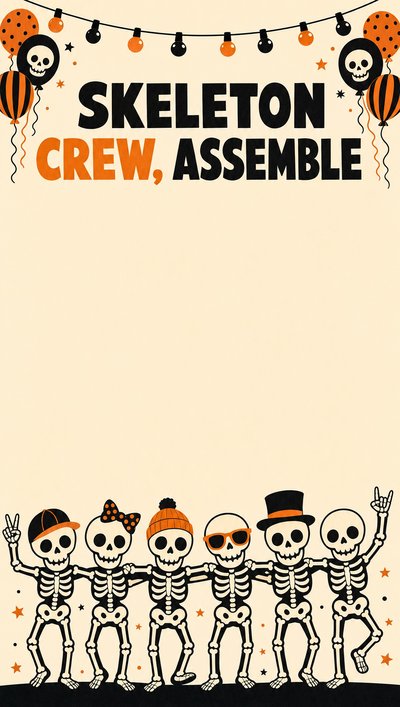 Use this free
 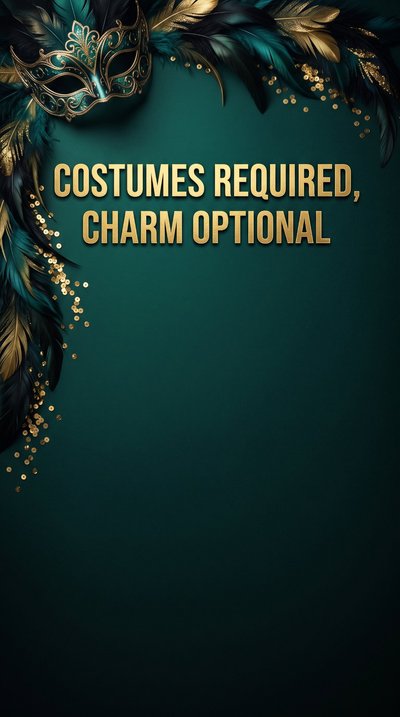 Use this free
  Use this free
  Use this free
 Free to send
Send your first invitation in two minutes.
Pick a design, add your details, share one link. Guests RSVP in a tap — no app, no sign-up for them — you get a notification for every reply, and the party goes on your family calendar.
- Free to send. Unlimited invitations. No per-invite charge, no watermark.
- No ads, anywhere. Not on the design, not on the page your guests open.
- Full screen on their phone. Edge to edge — no borders, no letterbox bars.
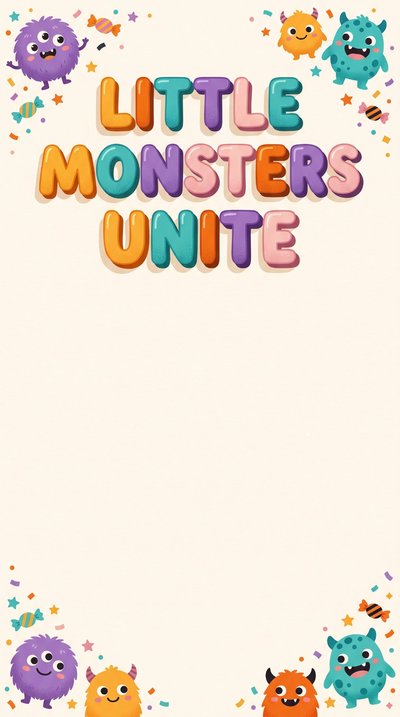


How to write a Halloween party invitation
A Halloween invitation has to answer one question early, because it changes what a family has to organise: how dressed-up is this, and is it scary?
What to include
Costumes and fright level are the two details parents plan around. Say both up front.
- Whether costumes are expected, encouraged or entirely optional. Parents need a week or two to sort one out.
- How spooky it gets. “Friendly, not frightening” saves a dozen messages from parents of younger children.
- Whether there is trick-or-treating, and if so, the route and who is walking with the children.
- Whether grown-ups stay. On Halloween many will want to, especially if there is a walk involved.
- Allergy plans, since Halloween is the one night built almost entirely from sweets. Say if there are non-food treats.
- A finish time. It falls on a school night some years, and parents will thank you for a clear end.
When to send
Halloween competes with every other party in the neighbourhood, so get in first.
- Three to four weeks ahead. Late September or the first days of October is the sweet spot.
- Earlier if costumes are themed — families need time to put an outfit together.
- Ask for replies a week before, so you can buy treats to an actual number.
- Send a reminder two days out with the finish time and whether to bring a torch.
Wording you can borrow
Playful, with the practical details doing the quiet work.
Come and trick-or-treat with us! Friday, October 31 · 4–6pm 48 Meadow Lane Costumes welcome · Friendly, not frightening Grown-ups please stay — we will walk the street together at 5
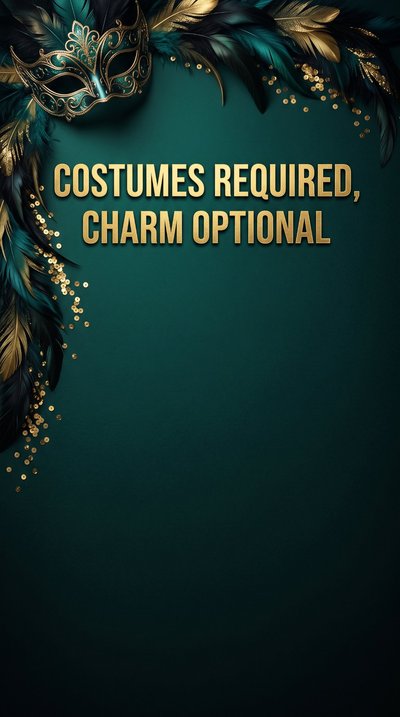
Spooky night at ours Saturday, October 25 · 6–9pm 48 Meadow Lane Costumes required, prize for the best one Pizza, punch and far too many sweets RSVP by October 18
Leo is turning 7 — and it is nearly Halloween Sunday, October 26 · 2–4pm Splash Point Hall, 12 Bloom Lane Wear a costume if you like Cake, games and a treat bag to take home
Knowing your numbers before the sweets run out
Halloween is the one party where running short is very visible — every child counts their haul. A link invitation gives you a live count as replies come in, so you buy treats once, for the right number, and know who is walking with you before it gets dark.
Questions people actually ask
- Are these really free?
- Yes — every design is free to send on Calla's free plan, and there's no watermark on what your guests see.
- Do you show ads on the invitations?
- No — never, anywhere. No ads on the design, none on the page your guests open, and no third-party ad or tracking script on the RSVP page. Calla is paid for by Premium subscriptions, not by advertising to your guests.
- What does the invitation look like on a phone?
- Full screen, edge to edge. Your guest taps the link and the design fills their whole phone — no borders, no letterbox bars, no small card floating in a web page.
- Do my guests need the app?
- No. They tap your link, see the invitation and RSVP. No download, no account, nothing to install.
- How do I track who's coming?
- Every RSVP lands in the app as it arrives, and the event goes on your family calendar automatically.
- Can I print these?
- Calla invitations are made to be sent as a link — that's how RSVPs get collected and counted for you.
Send your first invitation in two minutes.
On iOS and Android.